ADJUST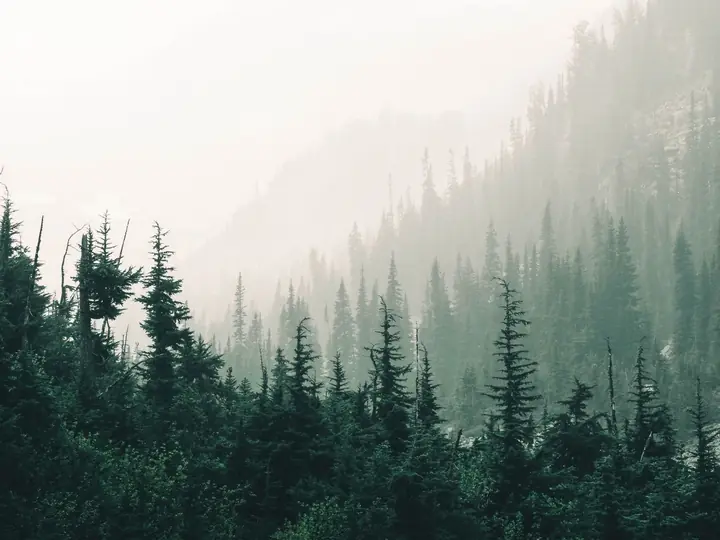
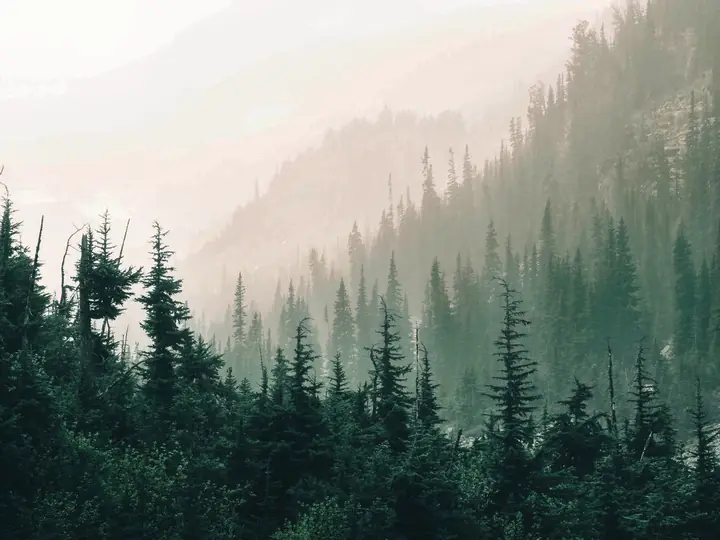
Dehaze
Dehaze & tone controls
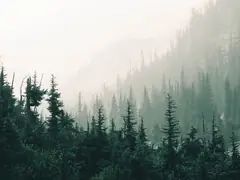
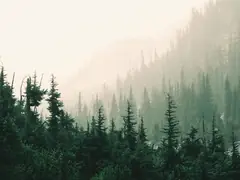
Dehaze cuts through fog and haze to bring back contrast and color in distant detail. Combine it with exposure, highlights, shadows, temperature, clarity and more, all non-destructive.
Try itDehaze. Color Replace. Curves, HSL and film presets. AI background removal. Pro-grade editing that runs on your device, with full-resolution, watermark-free exports.
Your photos stay on your device.

Every demo below uses real output from the editor. Tap Try it to open that tool in the editor.
Dehaze cuts through fog and haze to bring back contrast and color in distant detail. Combine it with exposure, highlights, shadows, temperature, clarity and more, all non-destructive.
Try it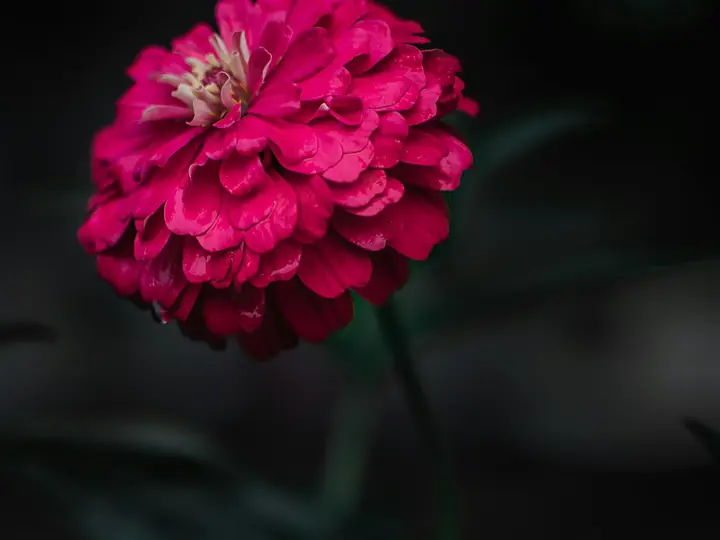
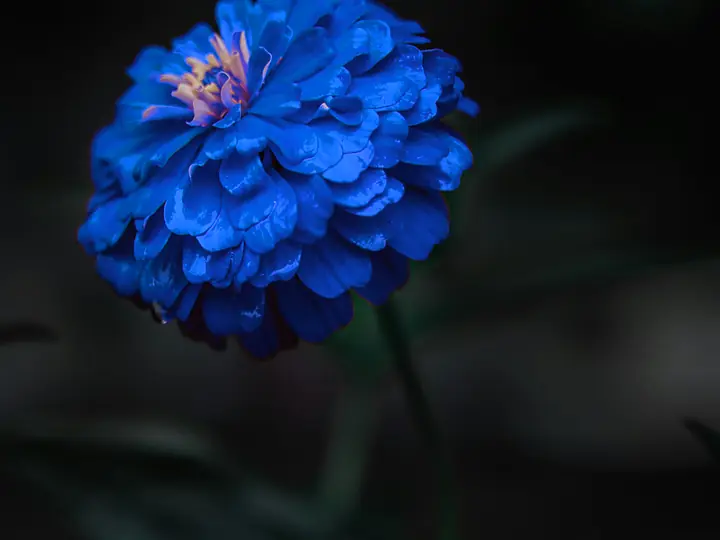
Click a color on the photo, pick a new one, and every matching shade changes while light and shadow stay natural. Save your favorite swaps as color presets.
Try it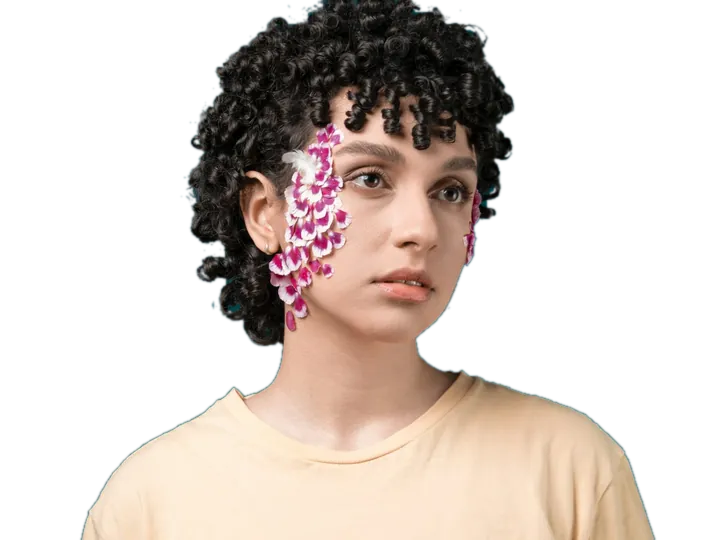
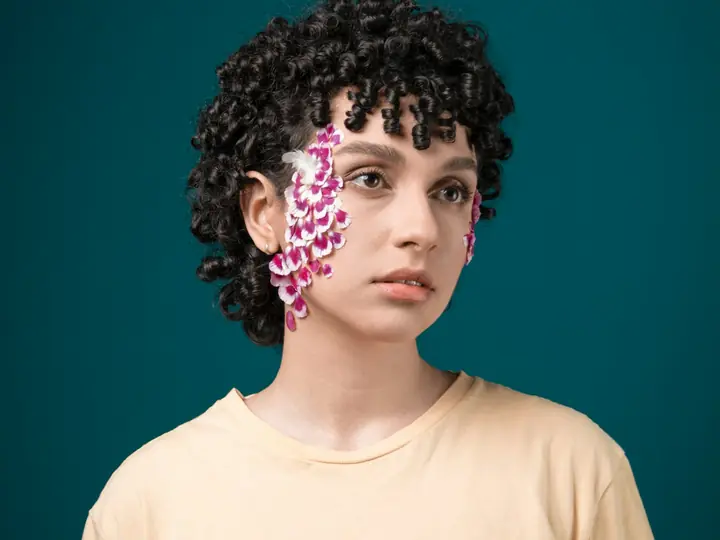
The AI cutout runs on your device, so nothing is uploaded. Touch up edges with Erase and Brush, then drop in a color, gradient or image backdrop.
Try it
Draw a radial, linear or brush mask and brighten, warm or dehaze only that area. Untick Show overlay to judge the result without guides.
Try it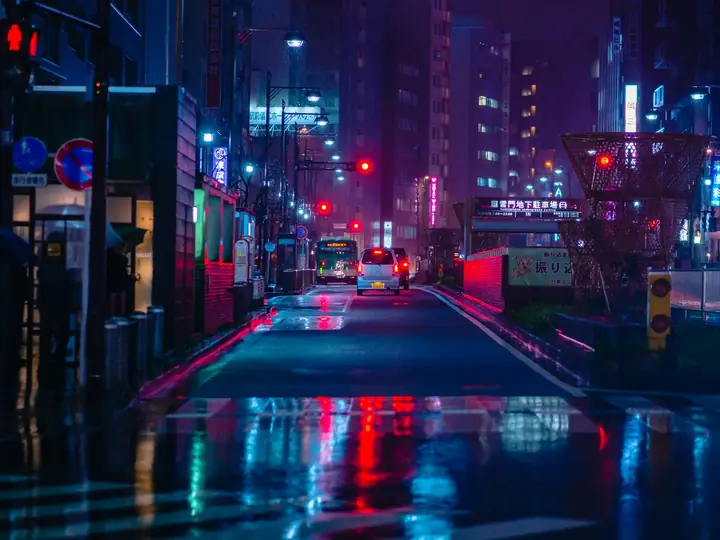
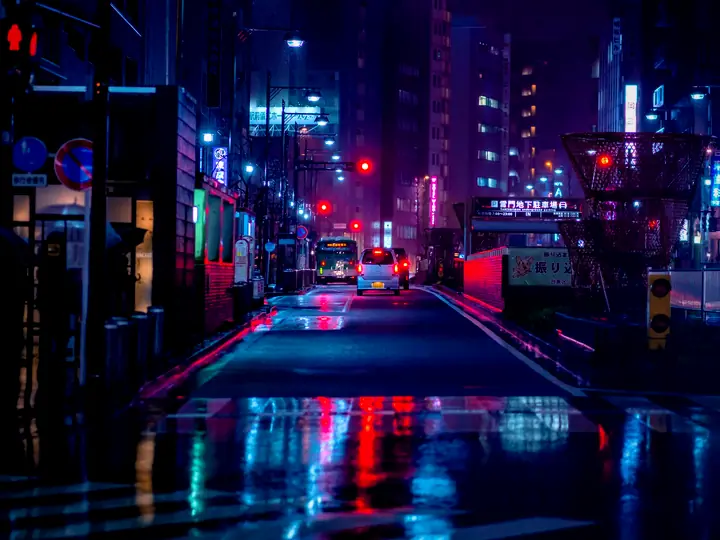
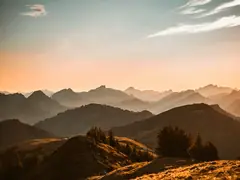
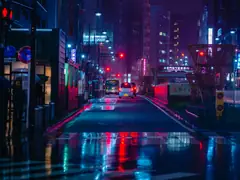
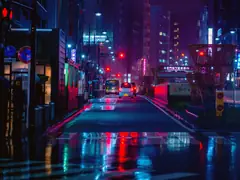
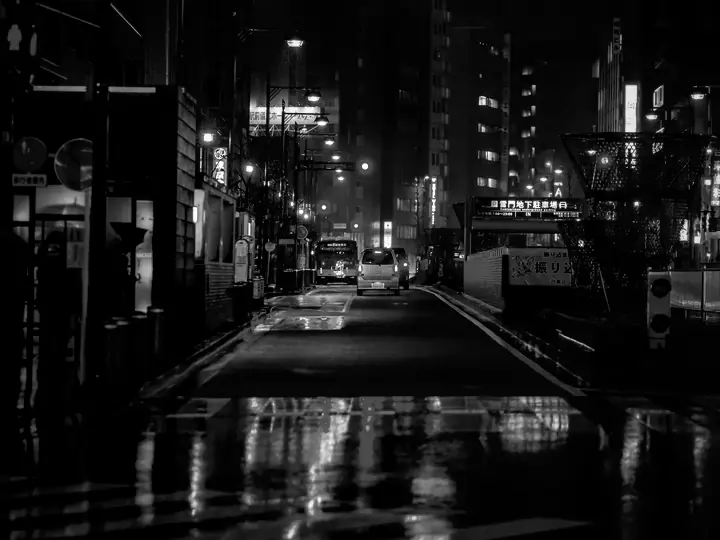 OriginalTokyo NeonVelvet Noir
Apply film looks and community presets instantly, heart your favorites, and remix any look into your own, then publish it for everyone.
Try it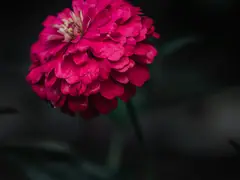


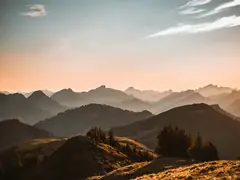


Apply one look to many photos and download them all, resized and cropped for each platform, in a single ZIP.
Try itFull RGB curves per channel, 8-channel HSL, highlights & shadows recovery — all in your browser.
On-device ONNX model cuts subjects out in seconds. No upload, no server, no waiting queue.
Built-in Portra / Superia / Cinestill emulations, .cube LUT and Lightroom .xmp import, plus a Preset Marketplace to favorite, remix and publish looks.
One toggle mints a read-only URL. Clients see the full-screen preview and download it free, with no watermark and no signup.
Pinch to zoom, drag to pan, two-finger rotate — plus a bottom-sheet UI that works on any phone or tablet.
Save your edit as a preset, drag a folder in, and download a ZIP of every photo with the same look applied. Perfect for weddings & events.
Every export is full resolution with no watermark, on every plan. Pro adds local masks, AI Style Transfer and unlimited cloud projects.
Paid once per period. No auto-renewal.
| Feature | Free | Pro |
|---|---|---|
| Editing | ||
| Tone & color adjustments, including Dehaze | ||
| Curves and 8-channel HSL | ||
| Color Replace with eyedropper + saved color presets | ||
| Film filters, .cube LUT and Lightroom .xmp import | ||
| AI background removal, content-aware fill & backdrop swap | ||
| Crop, rotate, text and your own watermark or logo | ||
| Local masks: radial, linear and brush | ||
| AI Style Transfer from a reference photo | ||
| Export & sharing | ||
| Full-resolution export (PNG, JPG, WebP) with no watermark | ||
| Batch export to a ZIP | ||
| Public share links with free downloads | ||
| Presets & cloud | ||
| Preset Marketplace: browse, favorite, remix and publish | ||
| Cloud projects synced across devices | Up to 10 | Unlimited |
Yes. Every core tool is free and exports have no watermark: tone and color adjustments including Dehaze, Curves, 8-channel HSL, Color Replace, film filters, .cube LUT and Lightroom .xmp import, AI background removal, crop, text, batch export, share links and the Preset Marketplace. Free accounts keep up to 10 cloud projects.
No installs. No uploads unless you want. Open the editor and drag in a photo — that's the whole onboarding.
Open the editor ↗